 Money Spread AI
Money Spread AI Video Generator
Your look. Your setting. The cash-fan reveal. Create a Money Spread AI video from a character photo, add an optional background, and recreate the performance with its original soundtrack.
One performance. Your appearance.
The Money Spread AI performance, in different looks
Watch the cash stacks turn into a wide fan of bills. These Money Spread AI examples come from our earlier editing workflow and illustrate the performance and character changes. They do not demonstrate the new background option. Hover to preview, or tap a video to play and pause.
Your look. The cash-fan performance.
Make your Money Spread AI video in three steps
Start with the look you want, then let the prepared performance guide the action.
- 01
Choose your character
Upload one clear character photo with a visible face, hairstyle, and outfit. Optionally add a separate image of the room or location you want. Keep the images in their labeled slots; you can replace either before generating.
- 02
Generate the performance
Sign in and choose a one-time pack. When your images are ready, select Generate. One Money Spread AI video uses one pass at standard 480p. Uploading a photo or buying a pack does not automatically start a generation.
- 03
Watch and download
Open My creations to watch the whole result with sound. Check the hands and final fan reveal, then download the video you want to keep. Viewing an available completed result does not spend another pass.
A photo becomes the Money Spread AI performance
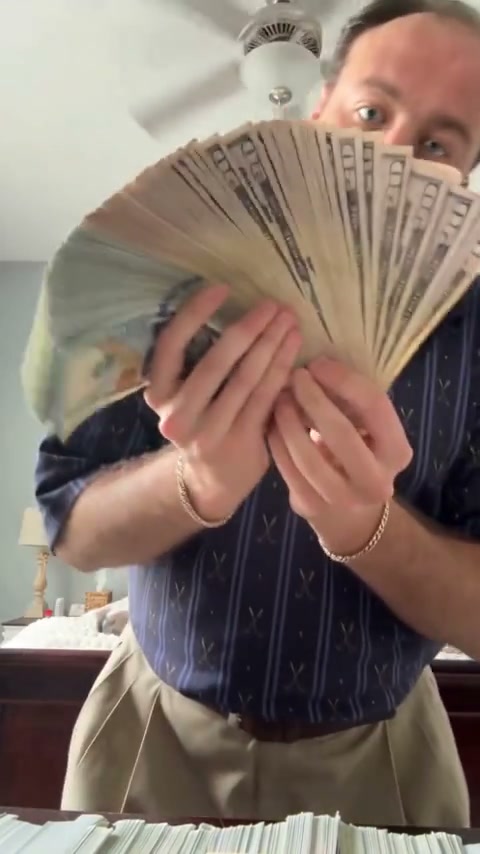
Money Spread AI turns a single character photo into a short, vertical cash-display video. The performer handles the stacks, brings the money toward the camera, and opens the final fan of bills. The loaded reference supplies the movement and timing, so you can recreate the sequence without filming choreography or building an edit in a timeline.
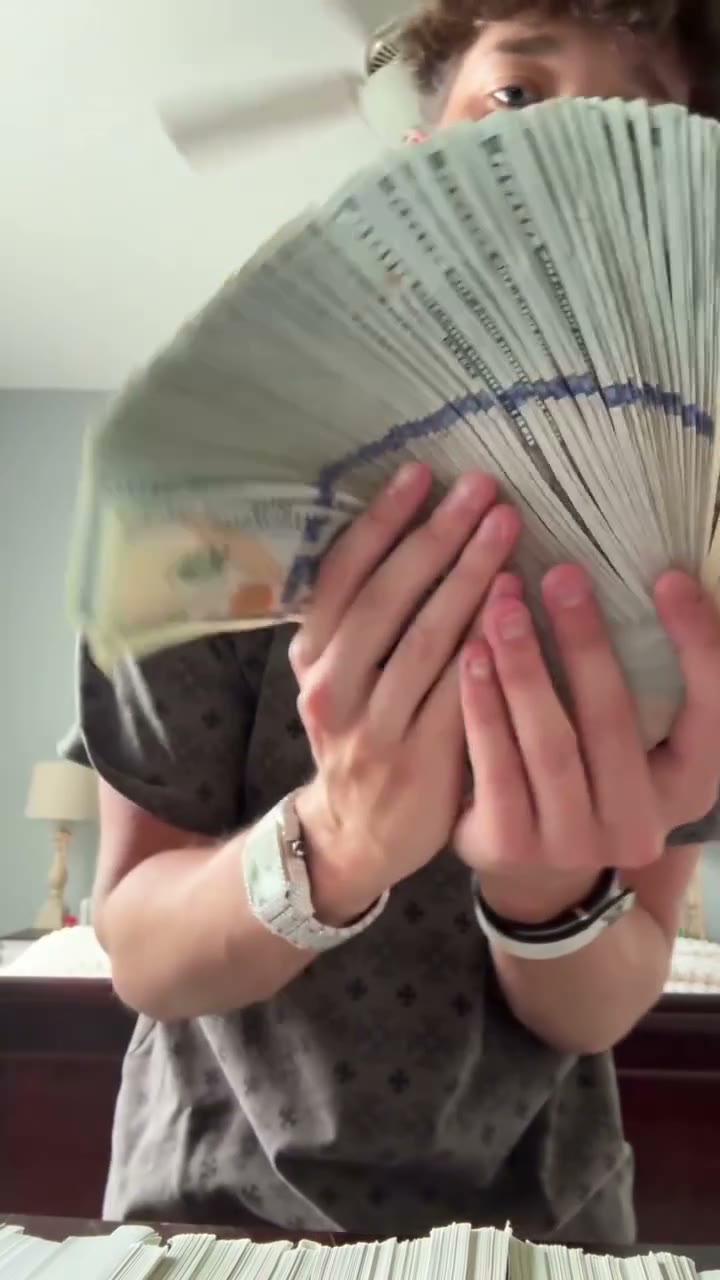
Bring your whole look to Money Spread AI
Your photograph guides the performer’s face, hair, clothing, and accessories. Choose a sharp, single-person upper-body portrait so there is useful information about both identity and clothing. Small logos, patterns, and jewelry can change; inspect the details that matter in your result.
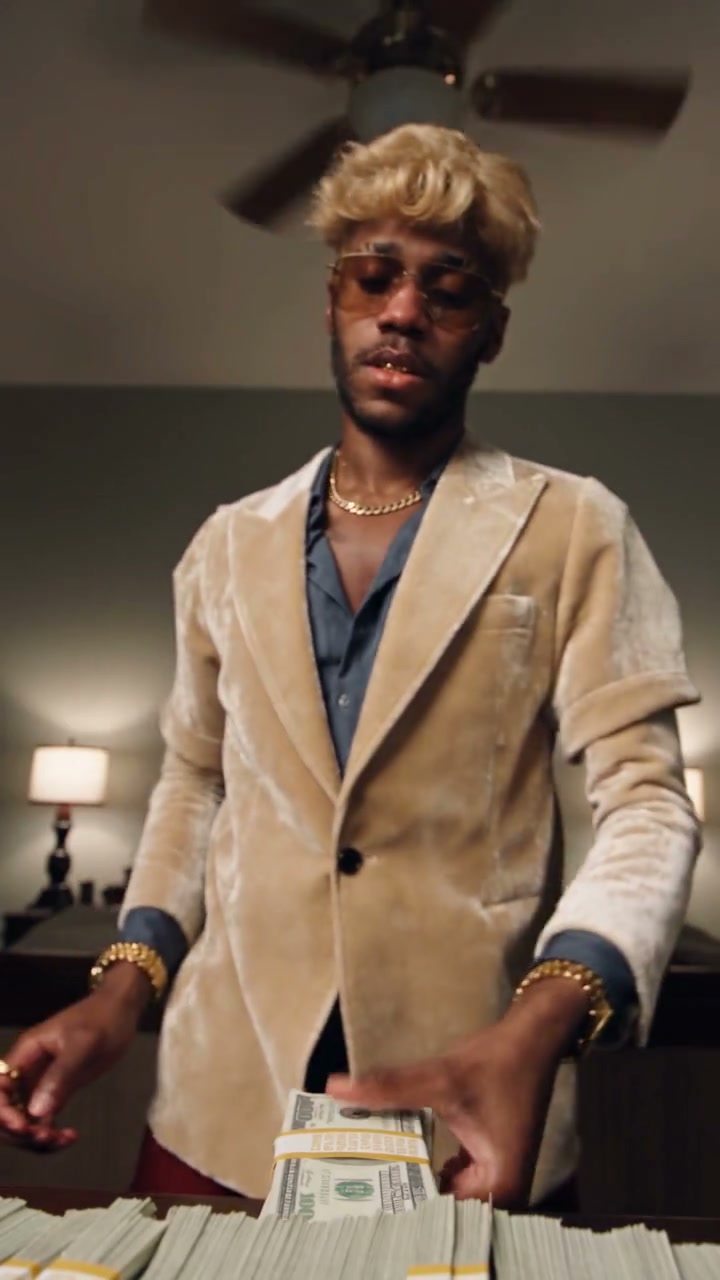
Give Money Spread AI a setting of your own
The two image slots have different roles. Your character photo supplies the person; the optional background photo guides the location, light, and atmosphere. Choose a clear scene with room for the cash-handling action. Leave the background empty to keep the original bedroom. The background behind your character photo does not serve as the scene reference. The image shown here is the original setting; new room layouts and framing can vary in generated results.
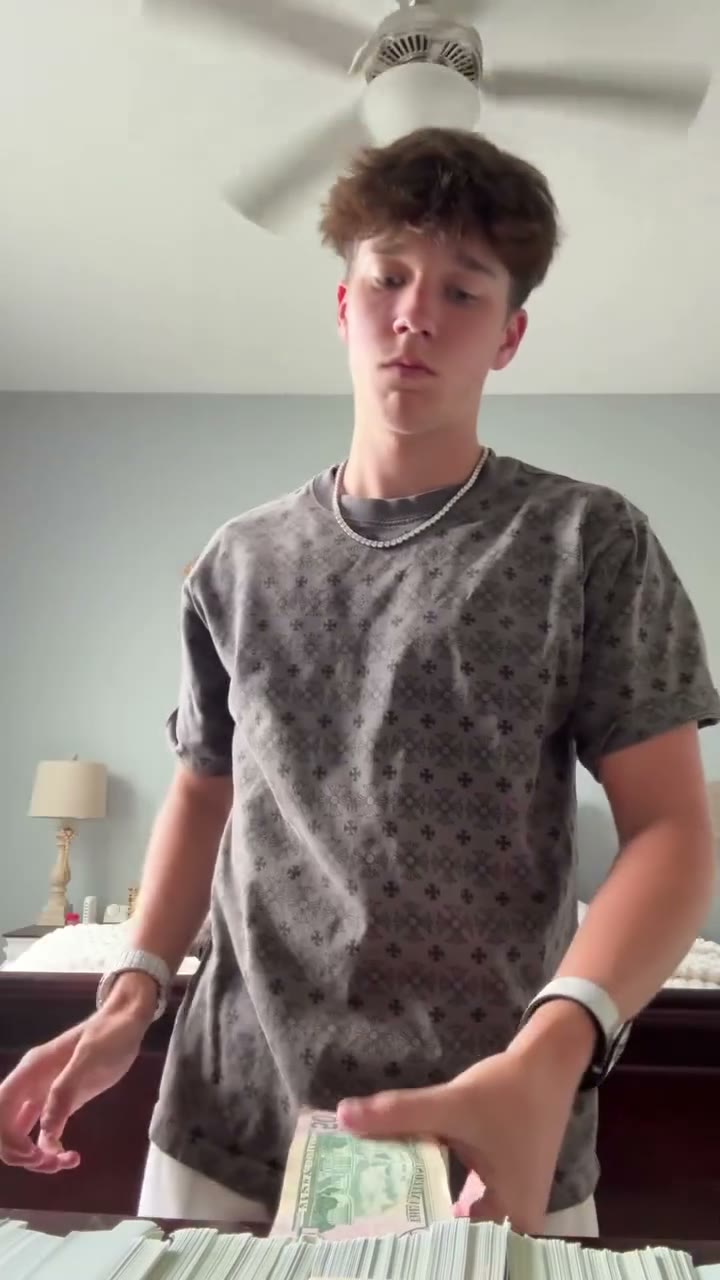
Keep the cash-stack to money-fan sequence
The reveal is the heart of Money Spread AI. The reference guides the gestures, pacing, and interaction between hands and money, including when you choose a different background. You do not need bills in your portrait or cash props at home. Watch the transitions where fingers overlap the stacks and the fan covers the face: these are the details to judge in a completed Money Spread AI video. Printed banknote details and exact cash amounts are not verified.
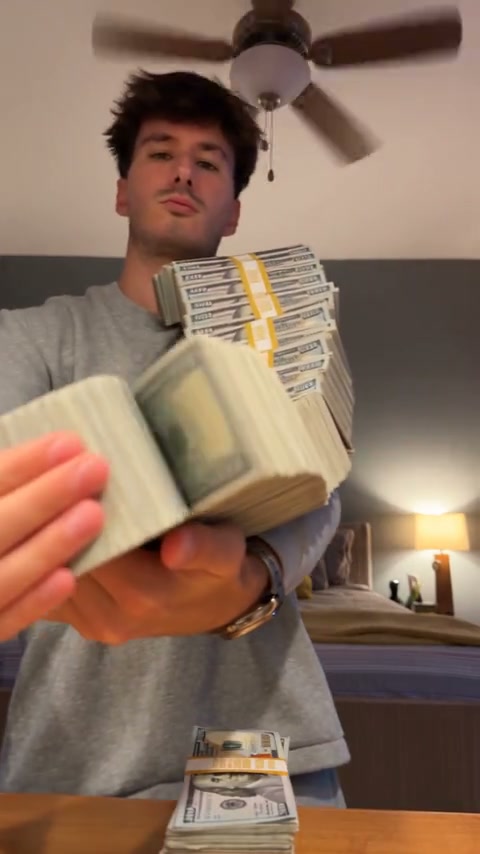
Finish Money Spread AI with the original sound
The finished video pairs the recreated visuals with the reference soundtrack. Play the original preview with sound to hear the source, then check your own completed video before downloading. Money Spread AI uses the same soundtrack across its packs; there is no music selector. Check the audio rights and destination platform’s rules before sharing.
Choose your take on Money Spread AI
The prepared action stays recognizable while your character and setting give the edit its personality.
A personal cash-flex edit
Use your own portrait for an exaggerated, playful short video. Money Spread AI supplies the cash-handling sequence without a recording session.
An original character performance
Try a character you created or a portrait you have permission to animate. A casual outfit or tailored jacket changes the feel of the same movement. Each new Money Spread AI generation uses one pass.
Everything prepared for your Money Spread AI edit
One focused workspace takes you from a character photo to a downloadable cash-fan video.
Two clearly labeled image slots
One required character and one optional background keep appearance and scenery separate. Adding the background does not increase the one-pass generation cost.
A ready-to-use performance
The reference video and Money Spread AI instructions are included. No prompt writing, source-video upload, or model selection is needed to start.
Vertical video with original audio
The roughly 15-second reference guides the performance. Packs use standard 480p, with the original soundtrack and a watermark-free completed download.
Your available results in one place
Return to My creations while signed in to preview and download existing videos. Save the Money Spread AI files you want to keep rather than treating online history as permanent storage.
Money Spread AI, one video at a time
Choose 1, 3, or 5 Money Spread AI video passes. Every pack covers the same performance and standard 480p quality. Purchases do not renew, and unused passes do not expire.
Pay once
1 video
- Your photo in the Money Spread AI performance
- Pay once. No recurring charges.
- Download without a watermark
- Create when you want — passes never expire
- Pass returned if generation fails
Money Spread AI performance · standard 480p only.
Choose another pack when you need more videos.
Pay once
3 videos
- Your photo in the Money Spread AI performance
- Pay once. No recurring charges.
- Download without a watermark
- Create when you want — passes never expire
- Pass returned if generation fails
Money Spread AI performance · standard 480p only.
Choose another pack when you need more videos.
Pay once
5 videos
- Your photo in the Money Spread AI performance
- Pay once. No recurring charges.
- Download without a watermark
- Create when you want — passes never expire
- Pass returned if generation fails
Money Spread AI performance · standard 480p only.
Choose another pack when you need more videos.
Prices are in USD. The final total appears at checkout. Video packs are one-time purchases with no renewal, and unused passes do not expire.
Refunds: request within 72 hours. Used passes and verified non-returned processing costs (up to 6%) are deducted. Terms · Refund Policy
One generation uses one pass, with or without a background image. Confirmed failed tasks return their pass; cash refunds follow the purchase policy. Prices are in USD; checkout shows the final total. Refund Policy
Money Spread AI questions, answered
From seeing the cash-fan video to making your own: the details to know before generating.
How can I make the money-spread video with my own photo?
Upload a clear character portrait in the workspace above, optionally choose a background, and sign in. With a video pass available, select Generate. Money Spread AI uses the prepared performance to guide the cash-stack movement and fan reveal. You can preview the original before deciding to create your version.
Which tool can recreate the cash-fan video without editing?
This Money Spread AI generator is built for that single performance. The video reference, image roles, and generation instructions are already prepared. You provide your photo and review the finished clip.
Can I use a selfie, or do I need to record a video?
A still photo is enough. For Money Spread AI, prefer a sharp single-person portrait that shows the face, hair, and upper-body outfit. A tightly cropped selfie gives less clothing information. If your starting picture contains several people, choose an individual portrait first. You do not need to record yourself performing the movement.
Do I need real cash or a special Money Spread AI prompt?
No. The reference contains the bills and the cash-handling choreography, and the prompt is included. Your photo does not need money props or a matching pose. The generator uses Seedance 2.5 Reference with prepared instructions for the character, optional scene, and performance.
Can I change the background of my Money Spread AI video?
Yes. Upload one room or location image in the optional background slot. It guides scenery, lighting, and atmosphere without adding a second performer. Leave it empty to keep the original room. Scene details and framing may vary. The earlier examples on this page do not demonstrate this new background option.
Does Money Spread AI change only the face or the outfit too?
Your character reference guides the complete appearance, including hair, clothing, and accessories. Choose an image that shows the look you want. Face similarity, body proportions, and small outfit details can vary in generative video, so review the full result before sharing it.
Will my Money Spread AI video have the original sound?
The completed result uses the reference soundtrack with the generated visuals. Preview the original with sound to hear it. You do not need to upload audio, and there is no separate music selector. Each pack includes the same audio treatment.
How much does Money Spread AI cost? Is it a subscription?
The one-time packs are $9.90 for 1 pass, $19.90 for 3, and $29.90 for 5. One pass covers one standard 480p generation. Purchased passes do not expire and packs do not renew. Trying another look after a successfully delivered result uses another pass.
Can I try Money Spread AI free or export in 1080p?
You can watch the reference and examples before purchasing. Generating your own video requires signing in and having a video pass. These packs offer standard 480p only; they do not include a free generation or a 720p or 1080p upgrade.
What happens to my pass if Money Spread AI generation fails?
A confirmed terminal failure returns the pass once. A pending task must settle first, and refreshing the page does not create another request. A returned pass is separate from a cash refund. For a visual issue in a delivered video, contact support with the task reference for review.
Will the hands, face, and money look perfect throughout?
Fine details can change, especially where fingers touch bills or the fan crosses the face. Watch your entire Money Spread AI result, including those transitions. Identity, room layout, hands, and banknote design can vary between generations; the earlier examples are illustrations of the effect, not a guarantee for a new result.
Can I download and share my Money Spread AI video?
You can download an available completed result without spending another pass. Use images you are entitled to edit, get permission from identifiable people where needed, and check soundtrack rights and platform rules. Present the clip as a creative AI edit without implying a real financial event or endorsement.
Make the Money Spread AI reveal yours
Choose your character and preview the Money Spread AI performance. Start with one character photo, optionally choose a background, and decide when to generate.
Create my video